Run every load from one dispatch command center
Move freight from new to delivered on a Kanban board, a live map, and a shared schedule — with instant load assignments and one unified settings hub that keeps your whole team in sync.
Everything dispatch needs, in one place
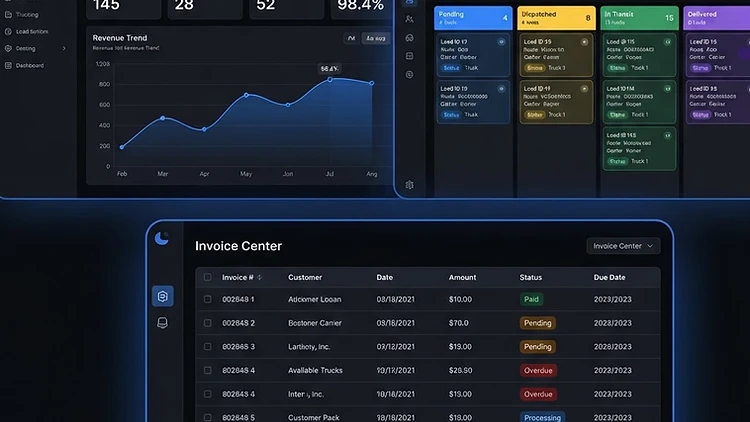
Drag-and-drop Kanban
Move loads across new, tendered, assigned, dispatched, in-transit, and delivered with a single drag. Status changes sync instantly across every linked view.
Calendar & schedule views
See pickup and delivery dates across your fleet on a shared calendar so nothing slips through the cracks.
Live operations map
Watch every assigned driver move in real time, fed by the driver app and optional Motive ELD/telematics sync.
Instant load assignments
Drivers receive load assignments the moment you dispatch them — with in-app alerts and optional email.
Role-based team access
Dispatchers, managers, and admins each see exactly what they need — no more shared logins or spreadsheet sprawl.
Unified Settings hub
Account, preferences, organization, integrations, and billing all live in one theme-aware settings surface.
How it works
Create a load
Enter origin, destination, customer, pickup, and delivery — or import from a rate con in one scan.
Assign & dispatch
Drag the load to assigned, pick a driver and vehicle, and the driver app lights up instantly.
Track in real time
Follow progress on the live map and Kanban as the driver updates status and location from the cab.
Deliver & invoice
On delivery, trigger invoice generation and profitability capture with a single click.

Frequently asked questions
Ready to run a tighter dispatch board?
Start a 14-day free trial — no credit card required. Set up your carrier, invite your team, and move your first load today.